Grid Maker - Online Free Tool

Interactive • Private • No Registration • No AI • No Restrictions

Add Custom Grid to Image Online Free Tool


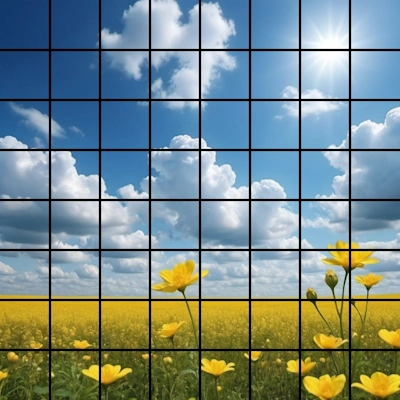
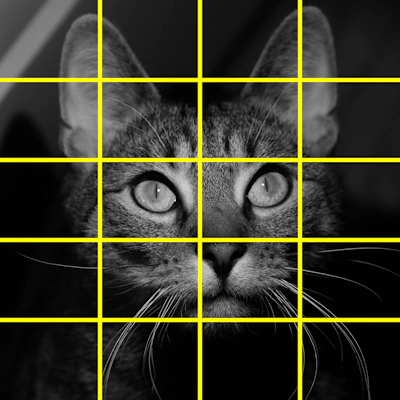
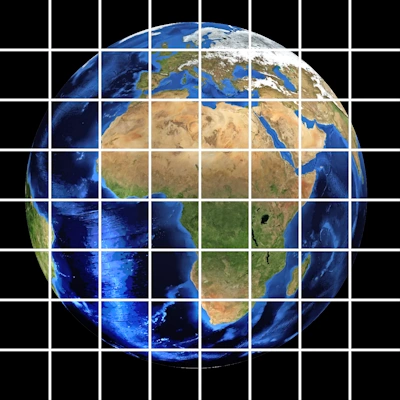
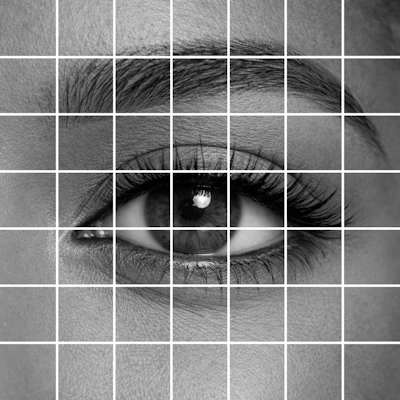
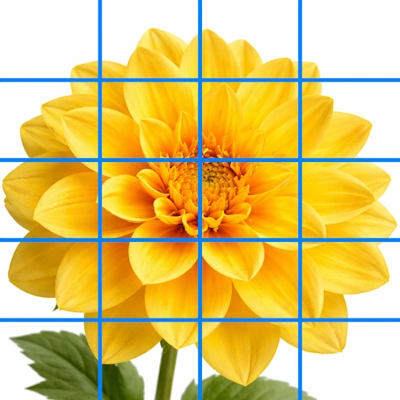
Add grid to photo online for free. Create custom grids and download your images with grid overlay or grid only. Make 1:1 square cells, adjust color, thickness, and opacity. Works instantly in your browser. No AI, no watermark, no limits.


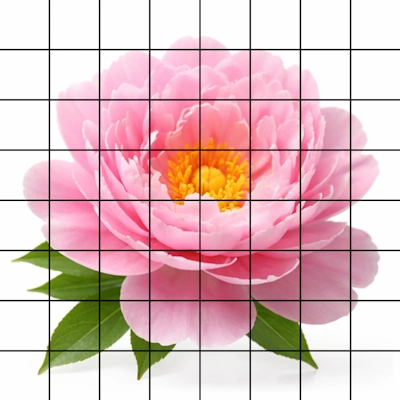
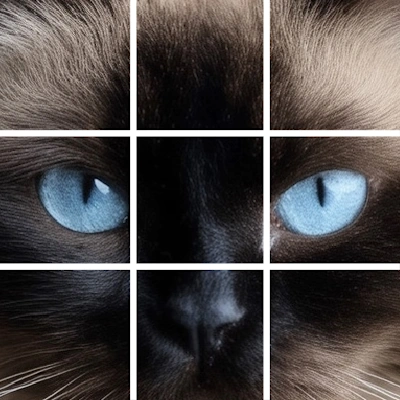
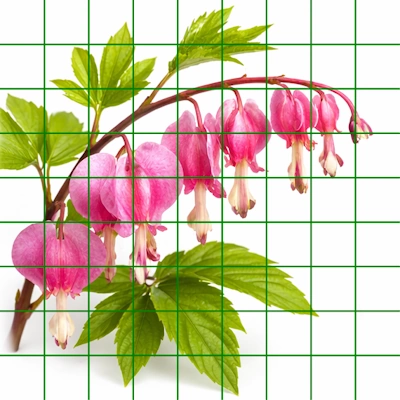
Our Grid Maker lets you place a grid directly over any photo. You can adjust the number of rows and columns, change line thickness, color, opacity, and then download the image with the grid applied.


  1. Upload your reference photo.
  2. Set the number of rows and columns.
  3. Adjust grid line thickness and color.
  4. Reduce opacity if you want semi-transparent grid lines.
  5. Check 1:1 Square Cells to create perfect squares. 1:1 ratio means the height and width of each box in the grid are the same length.
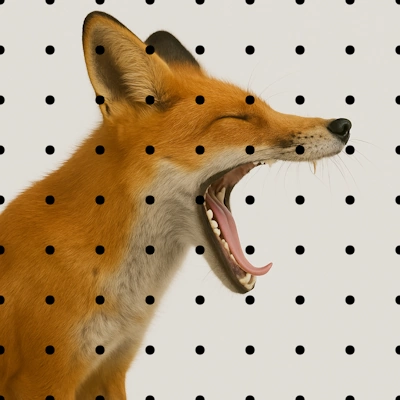
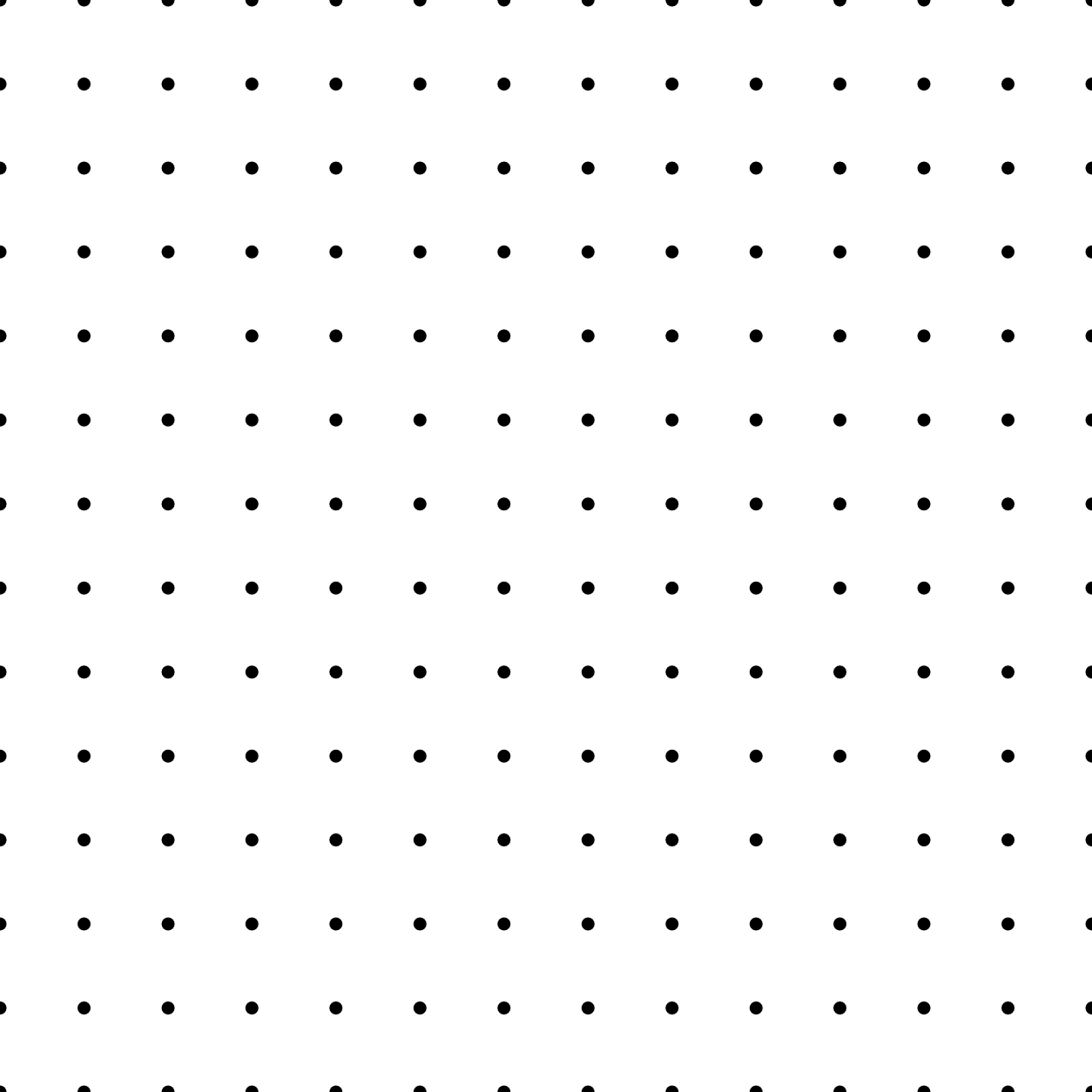
  6. Check Dot grid if you want to create a dotted page for bullet journaling, digital planning, or printable notebook pages.
  7. Check Dot grid to create a dotted page for bullet journaling, digital planning, or printable dotted pages. The grid lines will disappear, and dots will appear where grid lines cross. You can customize your dots further.
  8. Check Hide Image if you want to download ONLY transparent PNG grid without your image behind it. This is useful when you want to create grid templates that you can place on top of other images.
  9. Download your picture with the grid overlay.

Your image with the grid will retain the same size and quality as the original photo, so it’s ready for printing, traditional drawing, or digital work.


Need movable grids, diagonal lines, perfect square cells, and labeling? GriDraw Online or downloadable paid software offers advanced grid controls for serious drawing work.


When working from reference photos, many professional and beginner artists use the grid method to transfer main sketch lines correctly and create a perfectly proportional drawing. Placing a digital grid over the image is much easier, faster, and precise than to hand-draw a grid with a pencil. Adding a grid over a photo makes it easier to copy shapes accurately before moving on to shading or color.


Artists often ask:

  • How to draw from a reference photo?
  • How to copy proportions when drawing and painting?
  • How to scale and transfer an image to paper?
  • How to draw accurately from a photo?

The answer is: use the grid method. Place a grid over your reference photo and draw a grid on your paper. Then transfer the main lines from each cell to the corresponding cell on your paper or canvas.

Create Transparent PNG Grid Overlays


One of the most powerful features of Grid Maker from FreeToolio is the "Hide Image" option that you can check and uncheck under the tool. Besides just placing a grid over a photo, you can also use our tool as a Transparent Grid Maker.


Create Dot Grid Pages for Bullet Journaling


Grid Maker also supports dot grid mode for digital planning or printing. When you check the Dot grid option, grid lines will disappear and dots will appear at each grid intersection, where the grid lines cross. The dotted grid can be customized with sliders the same way as the grid lines. You can set the number of rows and columns, make them perfectly spaced by checking 1:1 Square cells, and change their size, color, and opacity. Furthermore, you can hide the image behind your dots and download only the dotted image. When you download it without the photo, you will get a file the same size as your original image with the dots placed over a transparent background. Use it as a dot grid generator to create dotted grid paper or export a transparent dot grid PNG for overlays, templates, or bullet journal style pages.


No registration required. We don’t see or collect your images. Everything happens in your browser. We never reduce the size of your downloaded images. You can use our tools 24/7 around the world without limits and restrictions. Read our Privacy Policy and Terms of Use. Have a question or suggestion? Contact us


More Free Online Tools from FreeToolio


Clone Tool - Copy and Paste Parts of Images for Free


Link to Clone Stamp Tool.

Clone Stamp Tool

Spot Healing Brush Online Free Tool - Remove unwanted Parts


Link to Spot Healing Brush Online Free Tool.

Healing Brush

Background Remover Online Free - Magic Eraser with 1 Click


Link to Free Background Remover Tool.

Remove Background/Magic Eraser

Liquify and Warp Images Online - Smudge Tool


Link to Liquify and Warp Images Online.

Liquify/Warp

Q&A Frequently Asked Questions

How do I insert grid lines?
It's very simple with our Grid Maker.
  • Upload your image
  • Choose the number of rows and columns
  • Choose the thickness and opacity of the grid lines
  • Select grid color from our color picker
  • Check 1:1 Square Cells if you want perfect 1:1 ratio squares
  • Check Hide Image if you want to see and download only the grid you have created
  • Download your image with the grid inserted over it. No need to do anything to insert it. It will be there over your image permanently when you download it.
Is Grid Maker from FreeToolio really free?
Yes. All tools on FreeToolio are 100% free for everyone, anywhere in the world, any time of the day.
  • No usage limits
  • No watermarks on exported files
  • No hidden fees
  • No account creation required
You can use the tools as much as you want, whenever you want.
How many images can I upload per day? Is there any limit or hidden costs?
There's no limit. You can upload and download as many images as you want. Since our Grid Maker works in your browser and we don't receive your images, we don't even know how many times you try, or how many images you have uploaded/downloaded. Even if you place a grid over 1 million images per day, we won't even notice that. So, we can't limit your usage with any of FreeToolio's tools.
Which image formats are supported?
Supported image formats are:
  • JPG / JPEG
  • PNG
  • WEBP
  • GIF
  • BMP
Can I make custom grids?
Of course! Everything you do with this tool is custom and the output depends on you. You can set up the number of rows, columns, color, and opacity of the grid, etc. You can customize your grids as much as you want.
Will my downloaded images with a grid be reduced in quality or have a watermark?
No! Your downloaded images retain the original shape, size, and quality of your uploaded images. We never add watermarks, and we can't even do that because we don't receive and process your pictures.
Can I create grid templates?
Yes! Once you upload an image with the size you want your custom grid template to be, just check the Hide Image button and download only the grid. You can always uncheck this button, and your initial image will reappear.
How do I place a square grid over images online?
It's the simplest thing ever with our Grid Maker. Just check the 1:1 Square Cells button and it will force your grid to have square cells. Then you can move either the Rows or Columns slider, and the grid will form accordingly.
f x r @ p wa tg in