Cutout Effect Tool
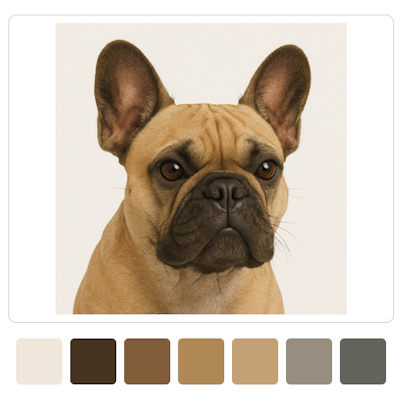
Free online Color Value Finder for artists. Convert reference photos into clear value maps and underpainting guides. Perfect for painting and colored pencil drawings. Works like Cutout effect in Photoshop.
When drawing and painting from reference photos, artists want to see the values of their colors. When drawing with color, it’s more important to get the values right than the exact colors! Even if the colors are slightly off, the artwork will still look great if the values relate perfectly to each other. When drawing portraits, for example, you want to know which color used for the midtones of the forehead will also work for parts of the cheek or nose. Our tool helps you map out the layers of color needed for each area, so you can apply them first and work on details as a final step.
Why Artists Use This Color Value Finder Tool
Our Free Online Color Value Finder groups colors with similar values and helps you see color planes instead of details. It helps you find value in color correctly. When painting with oil or acrylics, artists first apply an underpainting. This tool creates an underpainting image in just one click, allowing you to focus on adding details and final colors over the established values. The tool breaks a photo into color shapes, similar to the Cutout filter in Photoshop, but much better and more suitable for artists. It is related to our Posterize Image Online Free Tool above for graphite and charcoal drawings; however, posterizing alters colors you need to see when choosing the right colored pencils and paints.
Easy way to find the VALUE of your pencils and paint colors:
- Upload your reference photo.
- Adjust the number of color levels.
- Download the image as seen.